Binance Login Issues? Here's How to Access Your Account and Trade Safely
Experiencing trouble logging into Binance can be frustrating, especially when you need to manage your crypto assets. Whether you are a new user or a seasoned trader, login failures often stem from common issues like incorrect credentials, security blocks, or regional restrictions. This guide provides clear, actionable steps to resolve Binance login problems and continue trading without unnecessary delays.
First, verify your login credentials. A simple typo in your email or password is the most frequent cause. Use the "Forgot Password" feature to reset your password if you cannot recall it. For enhanced security, ensure your password is stored in a reliable password manager. If your account is locked due to multiple failed attempts, wait for the cooldown period (usually 15–60 minutes) before trying again.
Second, check your internet connection and device compatibility. Binance’s platform requires a stable internet connection. Try switching from Wi-Fi to mobile data or vice versa. Clear your browser cache and cookies, or use a different browser like Chrome or Firefox. If you are using the Binance mobile app, update it to the latest version from the official app store. Outdated apps can cause login failures.
Third, address security triggers. Binance employs strict security measures to protect accounts. If you are logging in from a new device, IP address, or location, you may need to complete email verification or enter a 2FA (Two-Factor Authentication) code. Ensure your authentication app (like Google Authenticator) is synchronized with your device’s time. If you lost access to your 2FA device, use the backup recovery keys provided during setup. Without these keys, you will need to contact Binance support and complete a identity verification process, which can take 1–3 days.
Fourth, consider regional and regulatory restrictions. In some countries, Binance’s services are limited or blocked. If you are in a restricted region, you might see a login error or a message indicating that services are unavailable. In this case, using a VPN (Virtual Private Network) is not recommended, as Binance actively blocks VPN traffic and may flag your account. Instead, explore Binance’s local exchanges or partner platforms that operate legally in your jurisdiction. For American users, Binance.US is the compliant alternative.
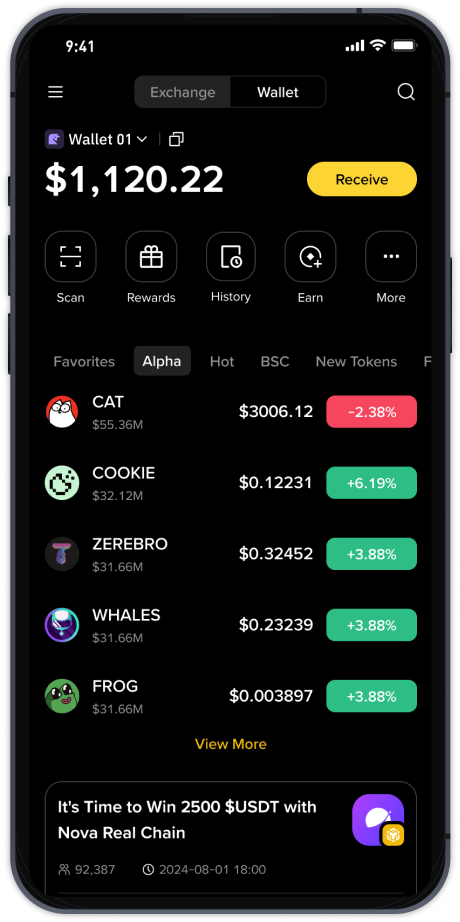
Fifth, use alternative access methods. If the website is down or slow, try the Binance mobile app. For desktop users, the Binance desktop client (for Windows and macOS) is a reliable backup. You can also use the API to access your portfolio through third-party portfolio trackers, though this requires prior API setup. As a last resort, use the IPFS (InterPlanetary File System) gateway provided by Binance for decentralized access in extreme network censorship scenarios.
If none of these steps work, submit a support ticket through the Binance Help Center. Provide clear details: your account email, the exact error message (e.g., "Login failed: Too many attempts"), and the steps you have already taken. Binance support typically responds within 24–48 hours. For urgent issues, use the live chat feature if available in your region.
Finally, prevent future login issues. Enable biometric login (fingerprint or face ID) on the Binance app for faster access. Keep your recovery keys and backup codes in a secure offline location. Regularly update your contact information and security settings. Consider using a hardware wallet for long-term storage, reducing your reliance on frequent Binance logins.
By following these steps, you can resolve most Binance login problems. Remember: never share your password or 2FA codes with anyone. If you suspect your account is compromised, freeze your account immediately via the Binance security dashboard. With the right precautions, you can trade securely and avoid unnecessary downtime.